Can Brawl Stars be played on PC?
Brawl Stars has taken the mobile devices world by strom since its global launch in 2018. This fast-paced multiplayer battle game from supercell the creators behind Clash Royale and Clash of Clans has millions of players worldwide competing in various game modes. However, many games wonder if they can enjoy this popular title on their PC or Laptops instead of being limited to mobile devices. Thanks to Android emulators like LDPlayer you can now experience your favorite characters on computers with enhanced visuals provided your CPU and GPU can handle the processing requirements without performance issues.
The Official Stance
Brawl Stars is officially designed as a mobile exclusive game available only on IOS and Android Platforms. Supercell has not released an official PC version of the game and there is no native support for playing on Windows or Mac computers. The game was specifically optimized for touchscreen controls and mobile gameplay sessions.
Playing Brawl stars on Pc Alternative Methods
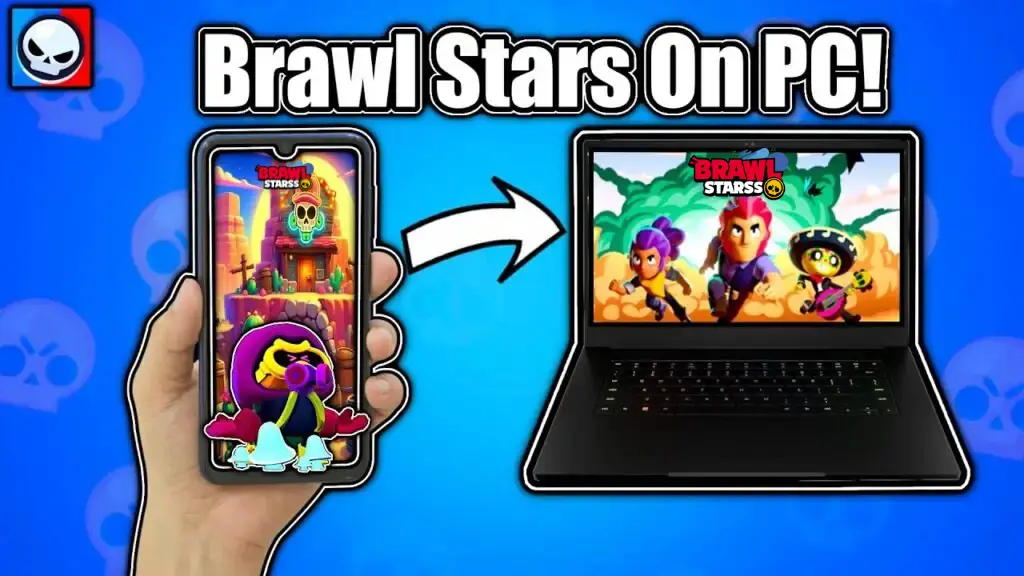
While there is no official PC version players have found legitimate workarounds to enjoy Brawl Stars on their computer. The most popular solution involves using Android emulators software that creates a virtual Android environment on your PC.
Popular Emulator Options
Several reliable Android emulators allow you to run Brawl Stars on your Computer:
BlueStacks is one of the most widely used emulators offering smooth performance and customizable controls. It provides keyboard mapping features that let you assign specific keys to in-game actions potentially giving you faster reaction times than touchscreen controls.
LDPlayer is another excellent choice particularly optimized for gaming. It offers good performance even on lower end PCs and includes features specifically designed for mobile games.
NoxPlayer provides a user-friendly interface and robust compatibility with various games. Its allows you to customize your control scheme and offers stable gameplay for Brawl Stars.
Advantages of playing on PC
Playing Brawl Stars through an emulator offers several benefits. The larger screen provides better visibility of the battlefield making it easier to spot enemies and plan strategies. Keyboard and mouse Controls can offer more precision than touchscreen inputs especially for aiming-dependent brawlers. Additionally, you won’t drain your phone battery during extended gaming sessions and you can multitask more easily with other applications.
Important Considerations
Before diving into PC gameplay there are some factors to keep in mind. Performance depends heavily your computers specifications you would need a reasonably capable Pc to run the emulator smoothly.
Also, a learning curve involved in adapting to keyboard and mouse controls If you are used to mobile gameplay. Most important is that you are using reputable emulators from official sources. Supercell genrally allows emulator use but always download from legitimate websites to avoid security risks. Some player believe using emulators provides an unfair advantage though this remains a debated topic in the community.
Setting Up Brawl Stars on PC
Getting started is relatively straightforward. Frist Download and install your preferred android emulator from its official website. Once installed open the emulator and sign in with your Google account.
Navigate to the Google Play Store within the emulator search for Brawl Stars and install it just as you would on mobile device. After the installation process completed your can control the settings to match your preferences and ready to play.
Is it Worth it?
Whether playing Brawl stars on Pc is worthwhile depends on your personal preferences. If you give the value and larger display with more precise controls at your desk with comfort zone by using the emulator. However, if you prefer the portability and casual nature of mobile gaming sticking with your smartphone might be better choice.
The Future of Brawl Stars on PC
While supercell has not announced plans for an official PC release. Cross-platform play has become increasingly popular many mobile games have eventually made their way to PC. For now emulators remain the only viable option for PC Players.
Final Thoughts
Brawl Stars can indeed be played on Pc through emulators even though there is not official PC version. This method provides a legitimate way to enjoy the game on a larger screen with customizable controls.
Whether you are A competitive player looking for every advantage or simply someone who prefers PC gaming emulators offer a practical solution. Just remember to use reputable software ensure your PC meets the requirements and most importantly have fun battling it out in the arena.
Frequently Ask Question (FAQ’S)
What is Brawl Stars playable on?
Brawl Stars is officially playable on iOs and Android mobile devices. The gameis available for download from the Apple Store and Google Play Store as well as on Brawlstarss site. While not officially supported players can also run Brawl Stars on PC using Android Emulators like Blustacks or LDPlayer.
Is playing Brawl Stars on PC legal?
Yes, playing Bralw stars on PC through Android emulators is legal. Supercell does not officially prohibit emulator usage and you won’t get banned from using legitimate emulators. However always download emulators from official sources and use your legitimate game account to ensure safety and compliance.
How to download Brawl Stars on your PC?
Download reputable Android emulator like BlueStacks, NoxPlayer, or LDPlayer from their official website. Install the emulator then launch it with sign in google account. Even the open google play store within the emulator and search the Brawl Stars and click install to download the game.
How many GB is Brawl Stars on PC?
Brawl Stars requires approximately 300-500 MB of storage space on PC through emulators. However the emulator itself needs additional space like 2-4 GB depending on which one you choose. Total installation including the emulator and game will require around 2.5 to 4.5 GB of free disk space on your computer.